
Commission a project
I design materials for launches and events, and websites that explain what a product does.
See a sample project (PL)
Explore project versions, files and decisions in the client portal.
Design first, in the age of AI.
I design visual materials for launches and events, build product websites and create AI tools for tasks your team does regularly.
I design materials for launches and events, and websites that explain what a product does.
Explore project versions, files and decisions in the client portal.
Bring a task your team repeats. We’ll agree what to test and build a prototype around your sources and rules.
See what the pilot involvesHow I use AI to explore visual directions, challenge assumptions and make sense of research.
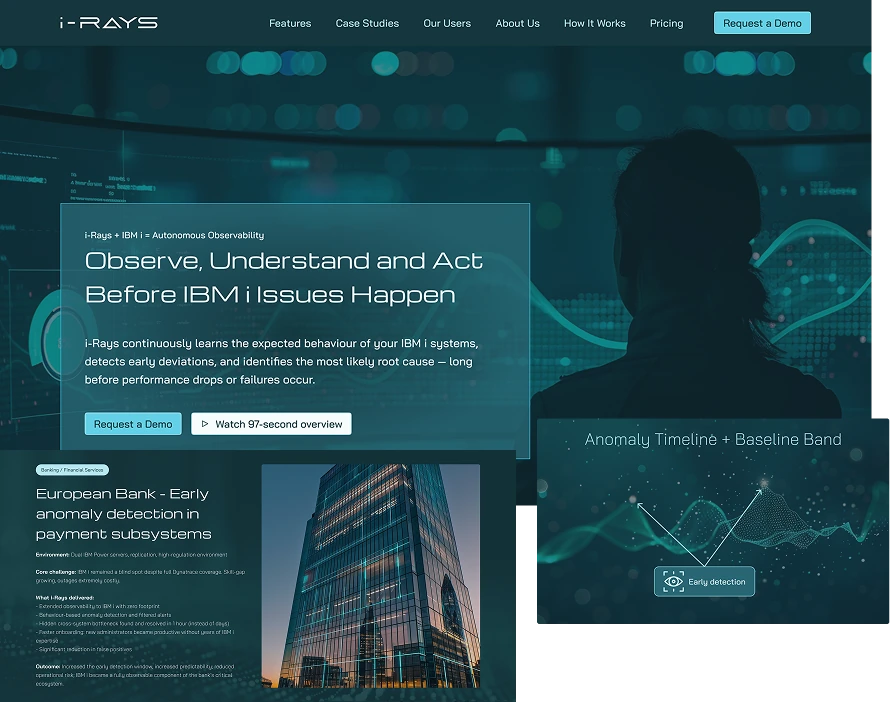
i-Rays · Midjourney and Figma
aleksander.pro · Positioning
UX audit · Research synthesis
A symbiotic designer’s practice
Symbiotic Designer OS is the operating system for my work with AI. I build it alongside custom skills for research, design and delivery planning. It gives those skills project context, and I check their output before making a decision.
Explore the Rekon Intelligence workshop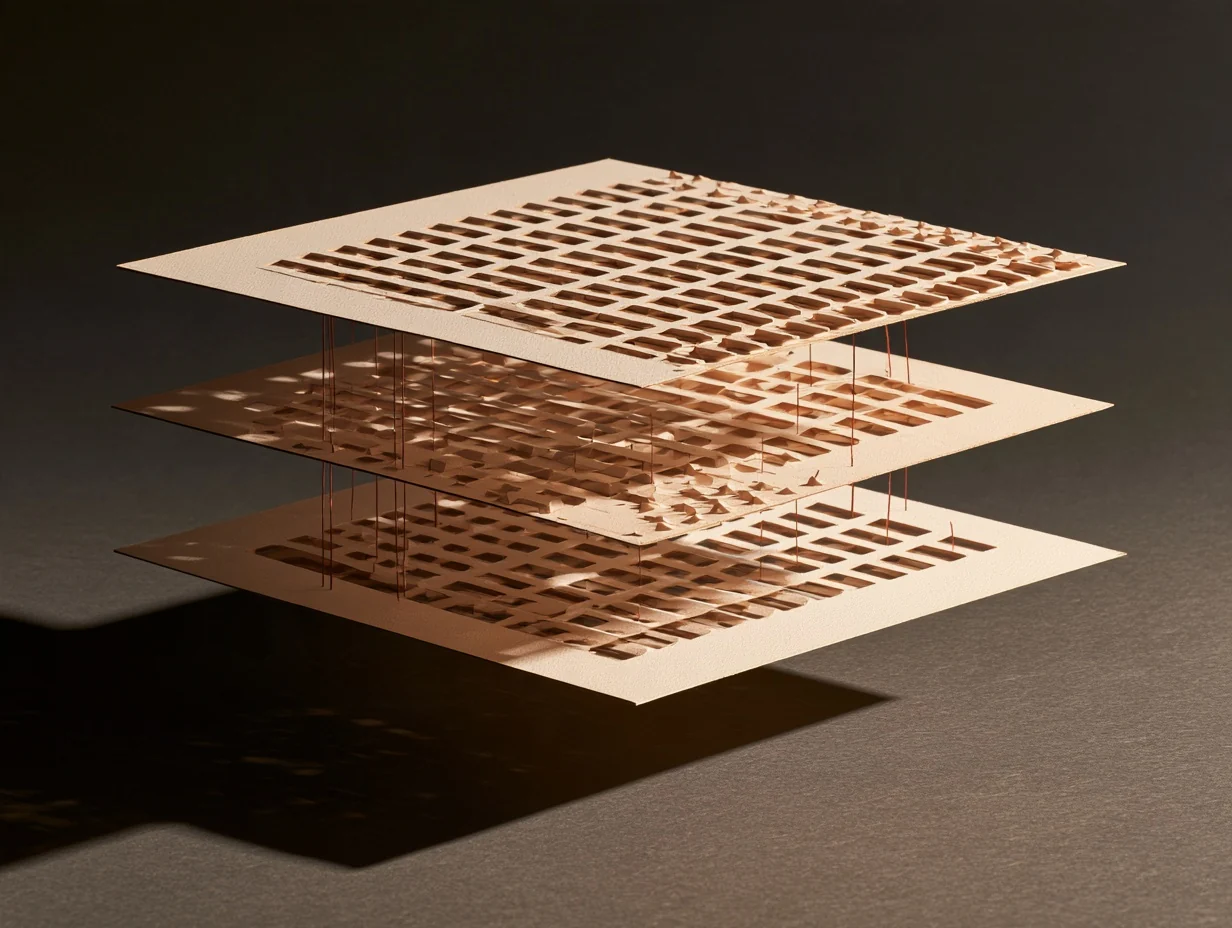
My system for working with AI
I built a workspace that brings project knowledge, AI skills and decision rules together. Each new session starts with current sources, the reasoning behind earlier choices and a clear next step.
Building an AI workspace
I build a workspace for research and design. It needs a shared knowledge base, a way to select skills and a record of decisions across sessions.
Goal · AI boundaries · Criteria
I start with the brief, sources and earlier decisions. I specify what should come back for review.
Brief · Sources · Expected output
A research skill organises sources, a design skill develops options and a planning skill turns the chosen direction into next steps.
Research · Options · Delivery plan
I check what supports a recommendation. If the evidence is thin, I know what to verify before choosing a direction.
Evidence · Risk · Decision
I record the choice, its reasoning and the next action. The next session starts from those decisions.
Decisions · Rationale · Next step
Michał Aleksander / experience
I bring experience in usability research, leading a UX team and designing products to Symbiotic Designer OS. My work spans online shops and booking services through to advertising platforms.
See my career history on LinkedInUsability research and shopping journey design.
Leading a UX team, researching and designing educational products.
Booking journeys for an international travel service.
Designing buyer journeys for a classifieds platform across several markets.
Research and SaaS app design for crews working in the field.
Complex B2B platforms, design systems and rules for working with AI.
I started working in e-commerce in 2005. The dates mark the start of selected design roles.
Chooses research methods, evaluates sources and separates observations from conclusions.
Output: a research plan or synthesis backed by evidence.
Maps information and interaction from the user’s goal to the outcome.
Output: a map of the journey and interface states.
Chooses composition, typography, imagery and motion to suit the project and brand.
Output: a visual direction and the brief behind it.
Turns a goal into tasks, dependencies and a plan that fits the team’s capacity.
Output: a delivery plan and acceptance criteria.
Finds conference material and connects relevant talks to a design decision.
Output: quotes checked against the original and links to sources.
Three design decisions from Rekon projects.
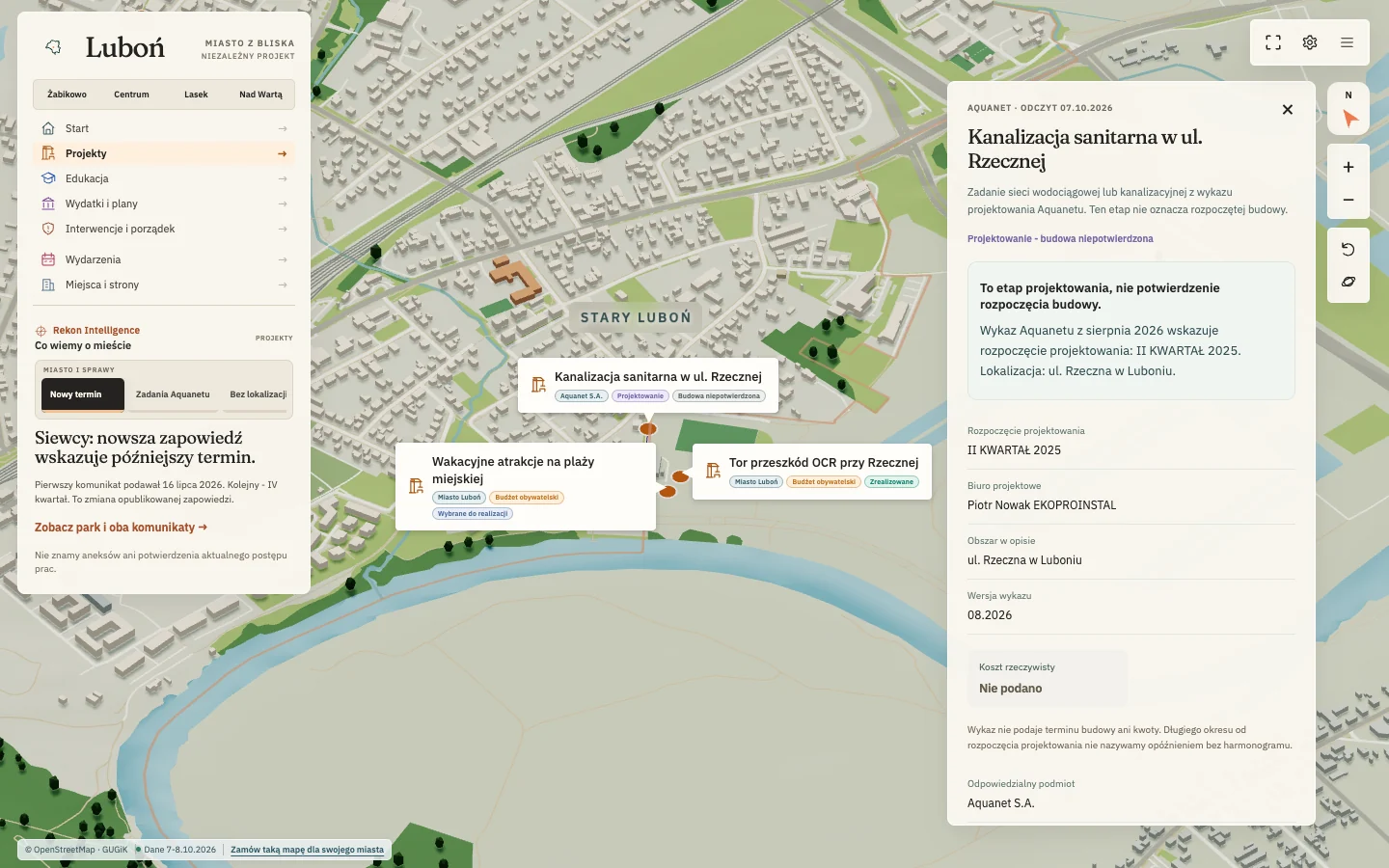
Information architecture
The map shows where each project is and what stage it has reached. Dates and source documents sit in the detail panel for each map marker.
Miasto z bliska
Visual exploration with AI
We compared five opening concepts. The chosen scene shows the operator at work alongside an example of anomaly detection.
i-Rays / five opening concepts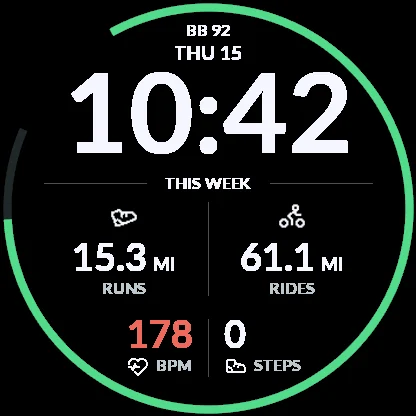
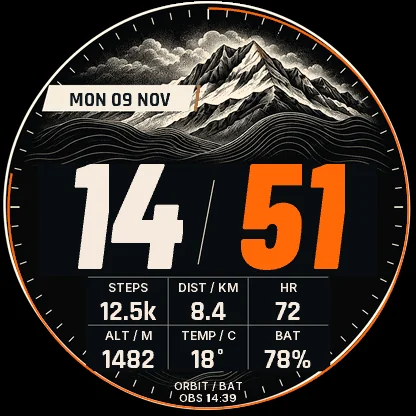
Prototype comparison
I compared seven watch-face concepts, including after an activity and with missing readings. I checked the simplified always-on display in the simulator.
ORBIT / from multisport to themed collections
The pace at which people can understand a decision and influence what gets built, even when AI speeds up the design.
Read on Substack
A way of working that gives AI product rules and context and lets the team inspect the result and decide what to do with it.
Read on Substack